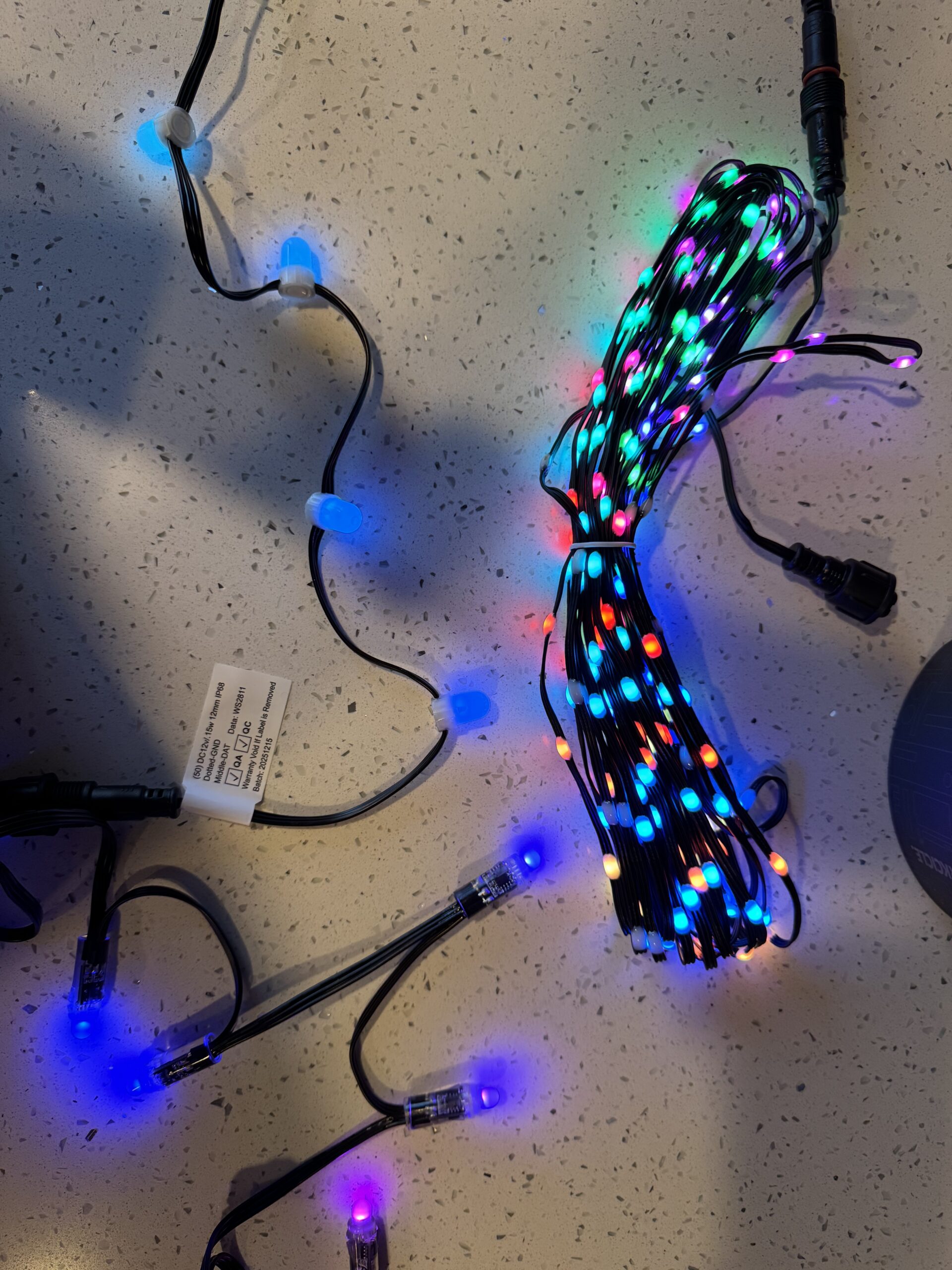
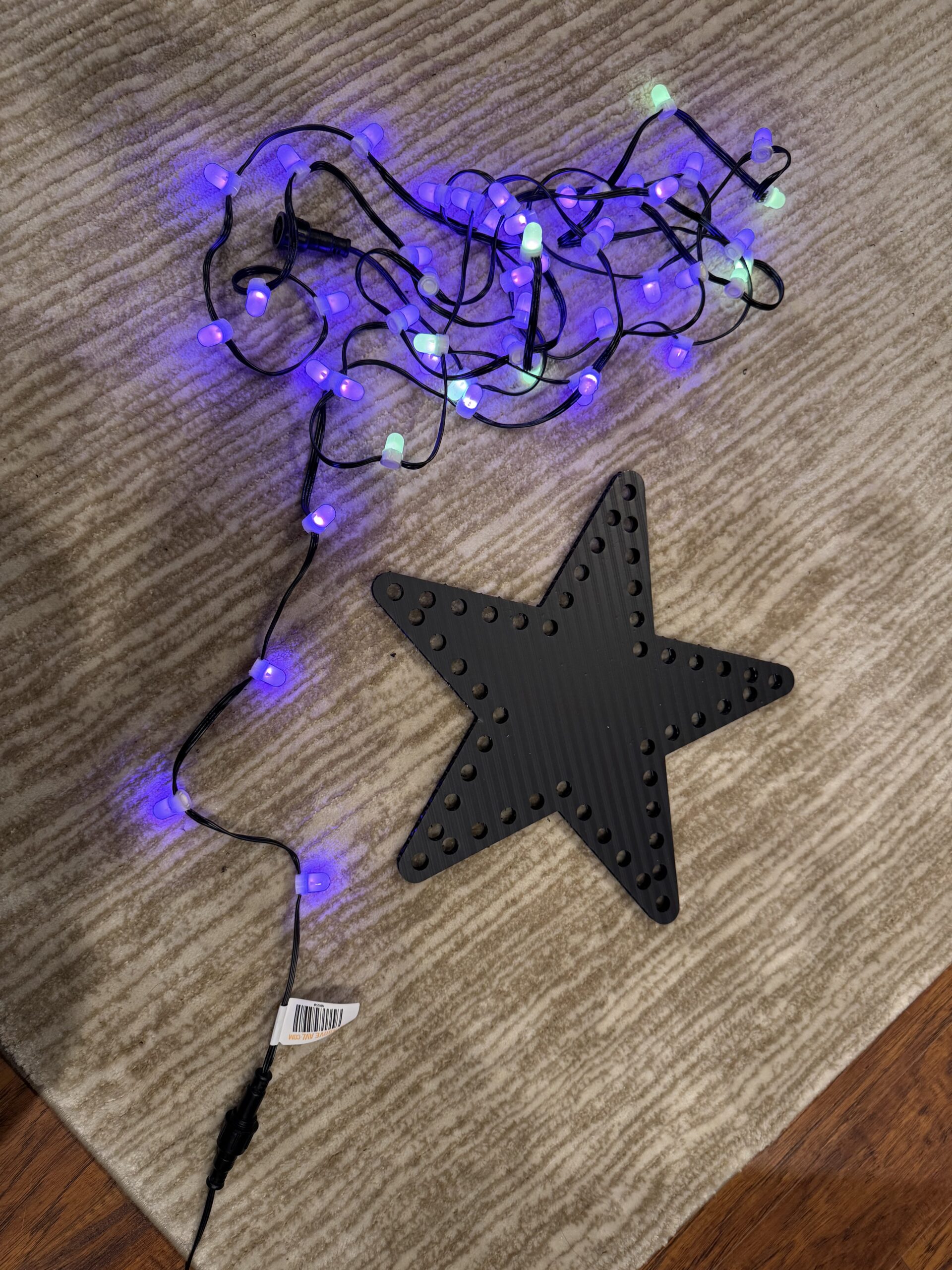
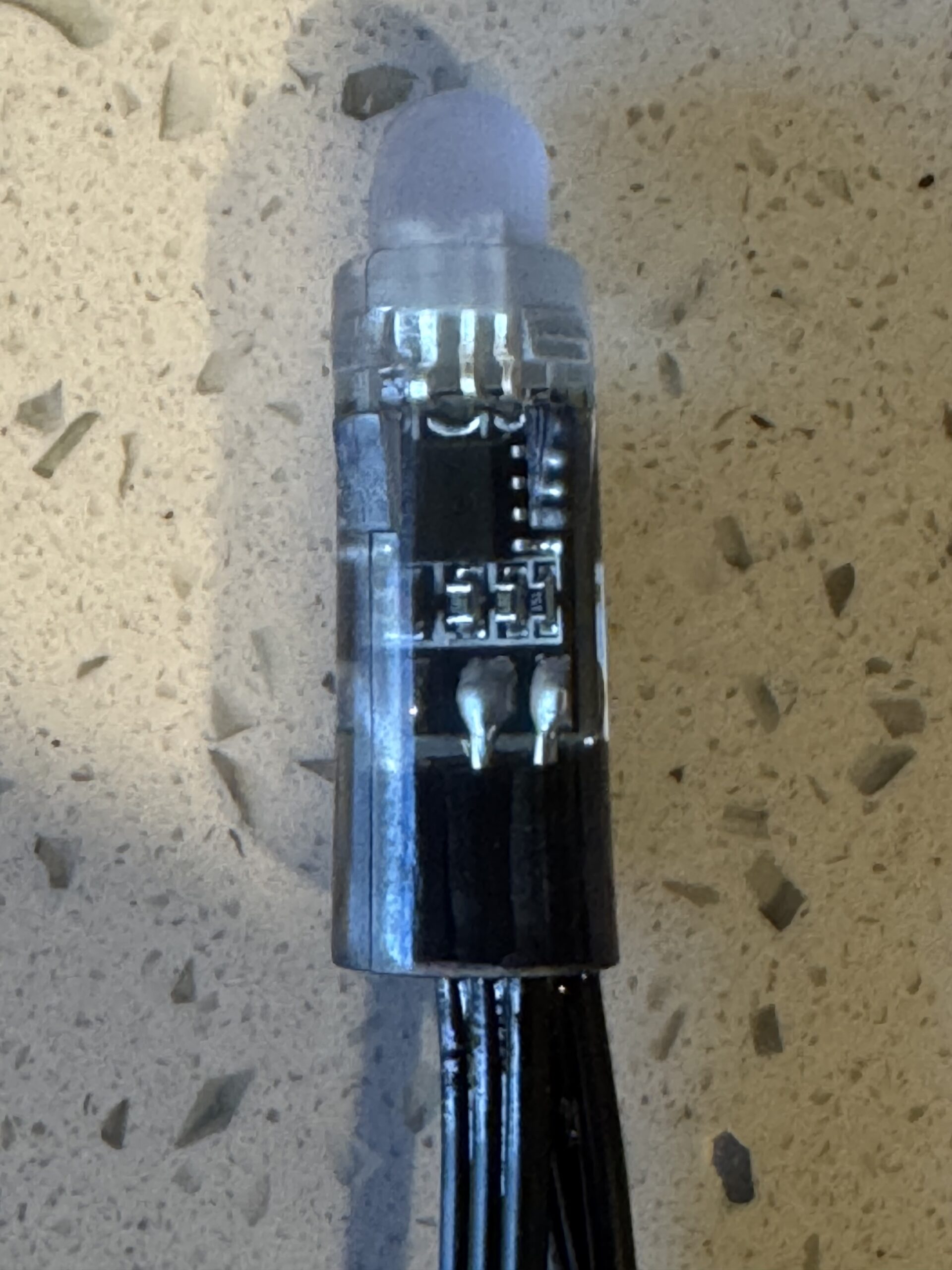
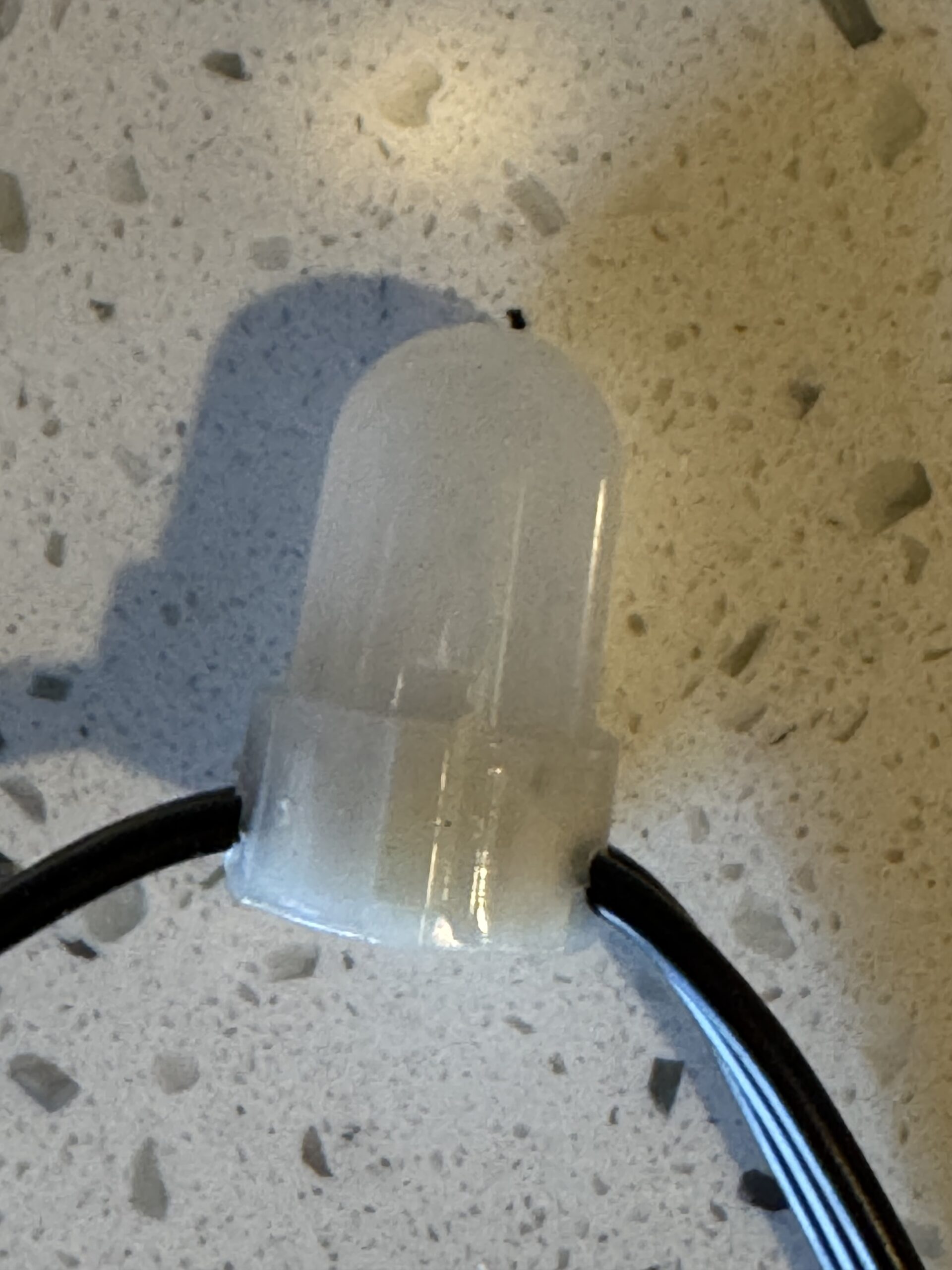
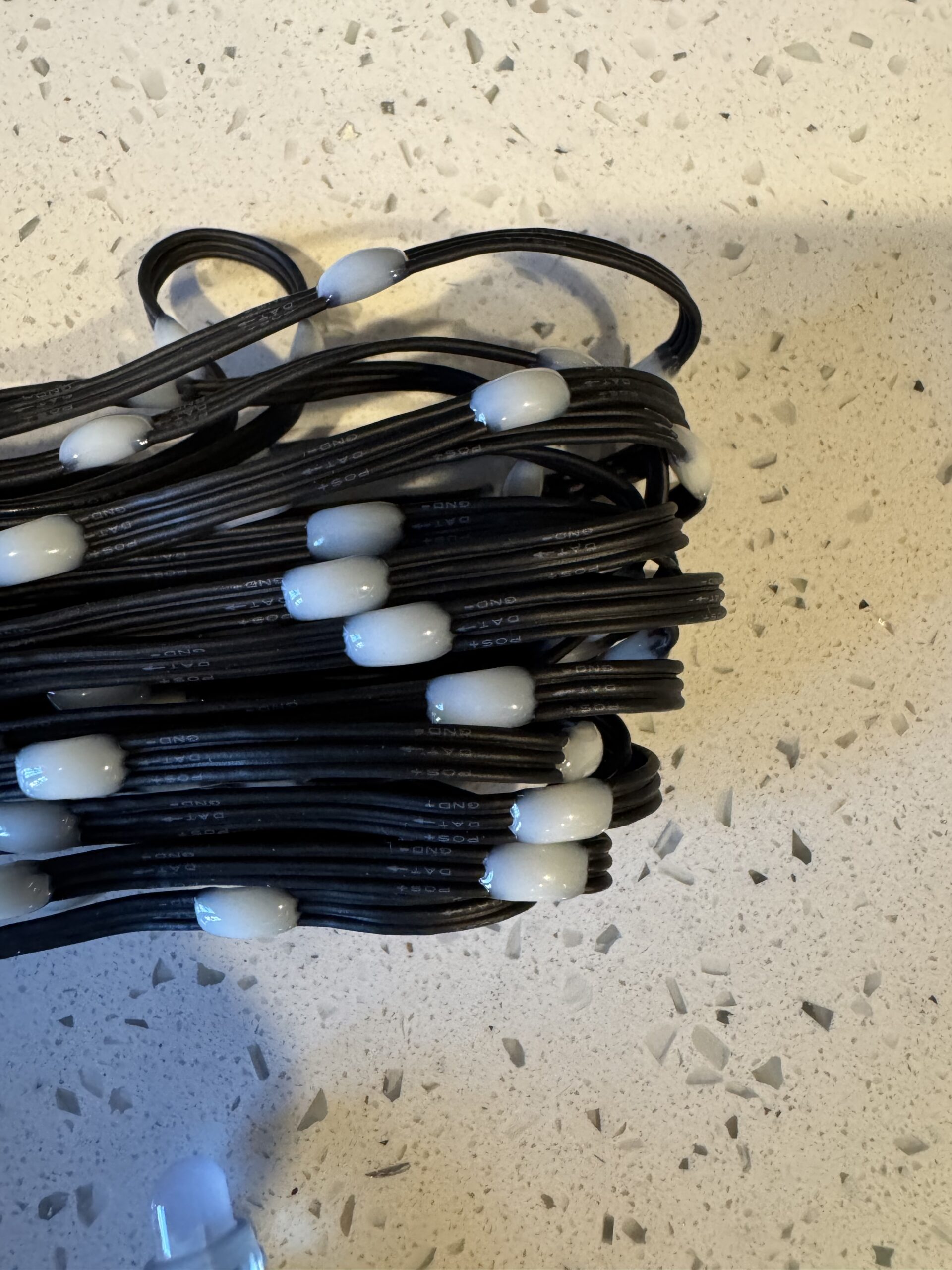
| Pixel | A “pixel” is the whole lightbulb, regardless of what type of/ shape of bulb; it is also called a “node” in xLights – generally we are talking about RGB or RGBW (see below); The term pixel comes from the computer world and means “picture element” like each dot on a computer monitor or digital TV; in the holiday lighting world, it refers to an individual light bulb; most DIY Pixels used in light shows use the WS2811 (or similar) driver chips. |  |
| WS2811 / WS28XX | WS2811 is a popular 3 channel (RGB) intelligent control LED driver IC designed for addressable, full-color lighting used in pixels. Will also see WS28XX (WS2814 being RGB+W chips) which are generally similar. xLights software supports all of the popular variations. | |
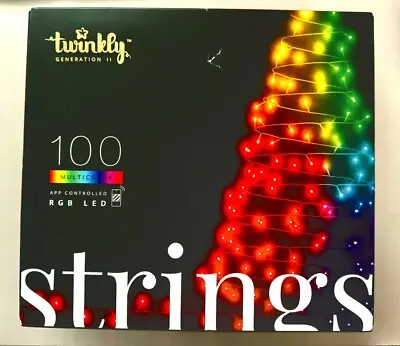
| Twinkly Pixel | Effectively the same as a pixel above, but a more compact proprietary format from an Italian company called Twinkly; 4.3 mm diameter RGB pixels vs. 12 mm WS2811 RGB bullet pixel; uses Twinkly controller only, which is included with lights as well as power supply — Twinkly Overview |  |
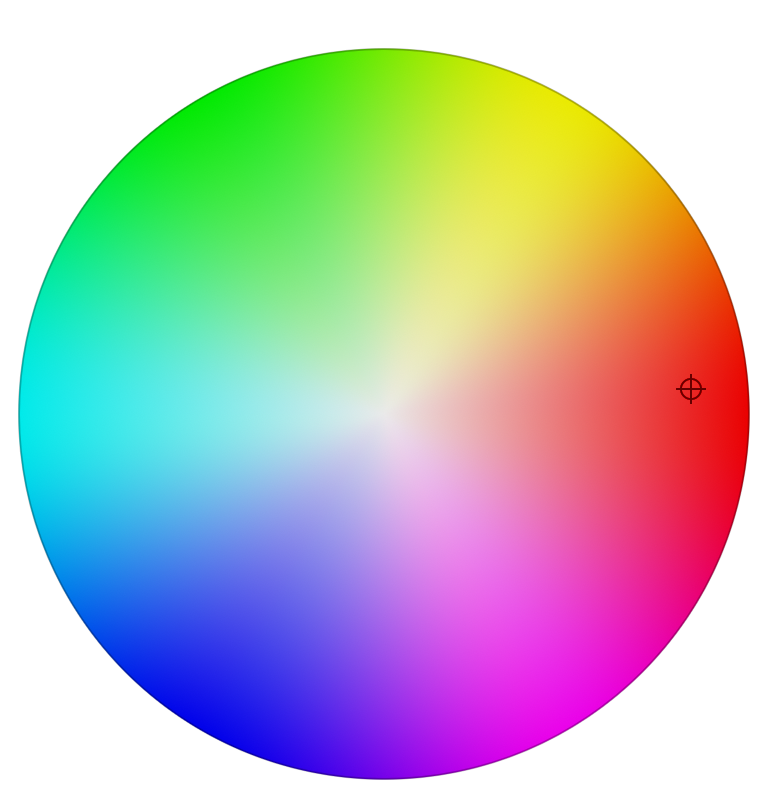
| RGB | Red, Green, Blue — bulb contains 3 tiny LEDs that combine to make ~16 million colors in each pixel, including white when all 3 are at 100% (usually WS2811 IC chips) |  |
| RGBW | Red, Green, Blue, White — same as RGB with a white LED added to the pixel to create nicer looking whites and save power (usually WS2814 IC chips) | |
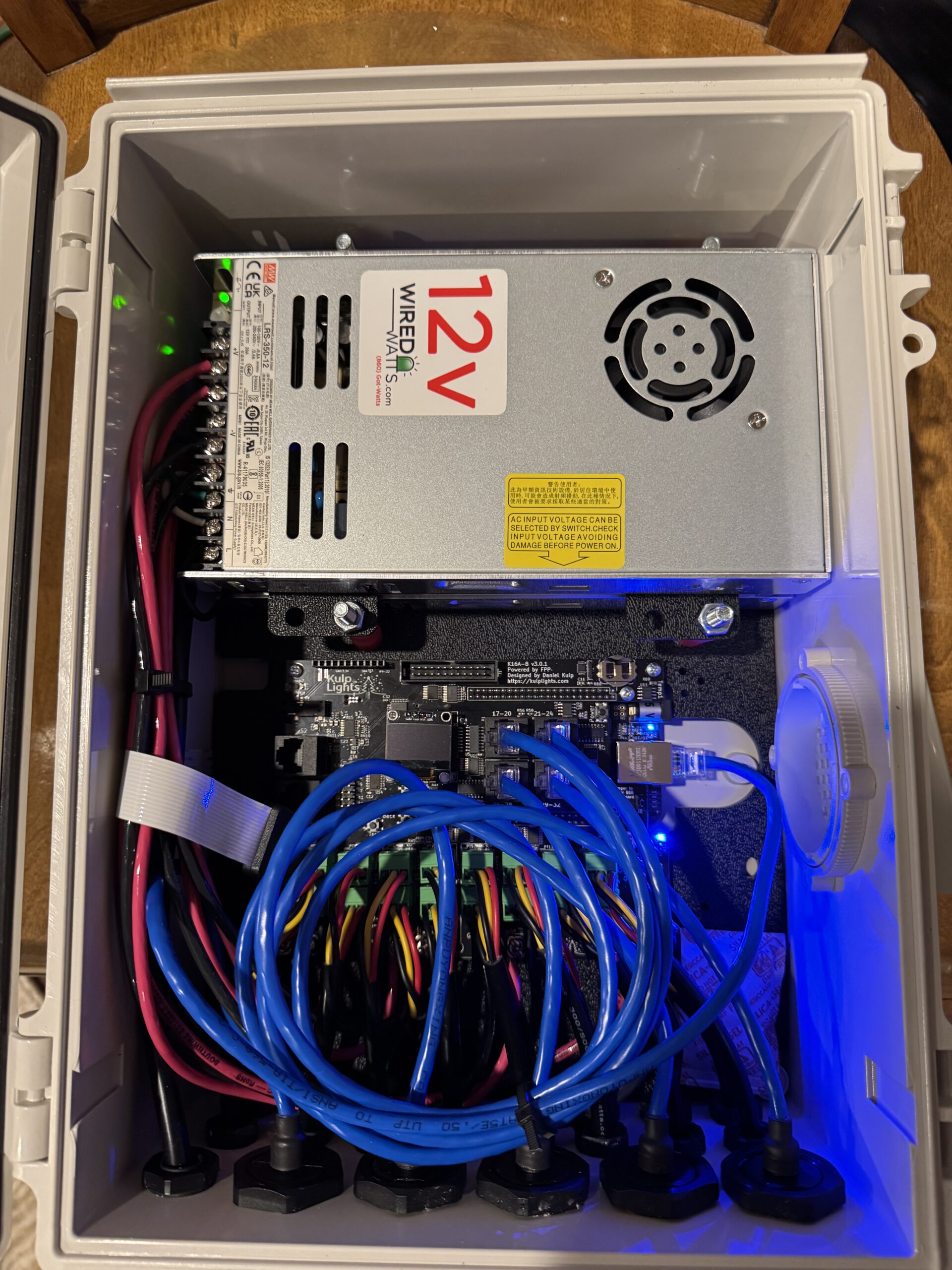
| Controller Board / Controller Box | Circuit board that tells the pixels what to do; there are several major brands; a controller board is usually housed in a waterproof box along with power supply(s) and “pigtails” (wires) coming out to connect to extension cables going to the pixels; controllers are typically sold by number of “ports” | |
| Controller Port | Each port is a separate output from the controller to control pixels that can control some number of pixels; a port can potentially control multiple props (not limited to one prop per port) | |
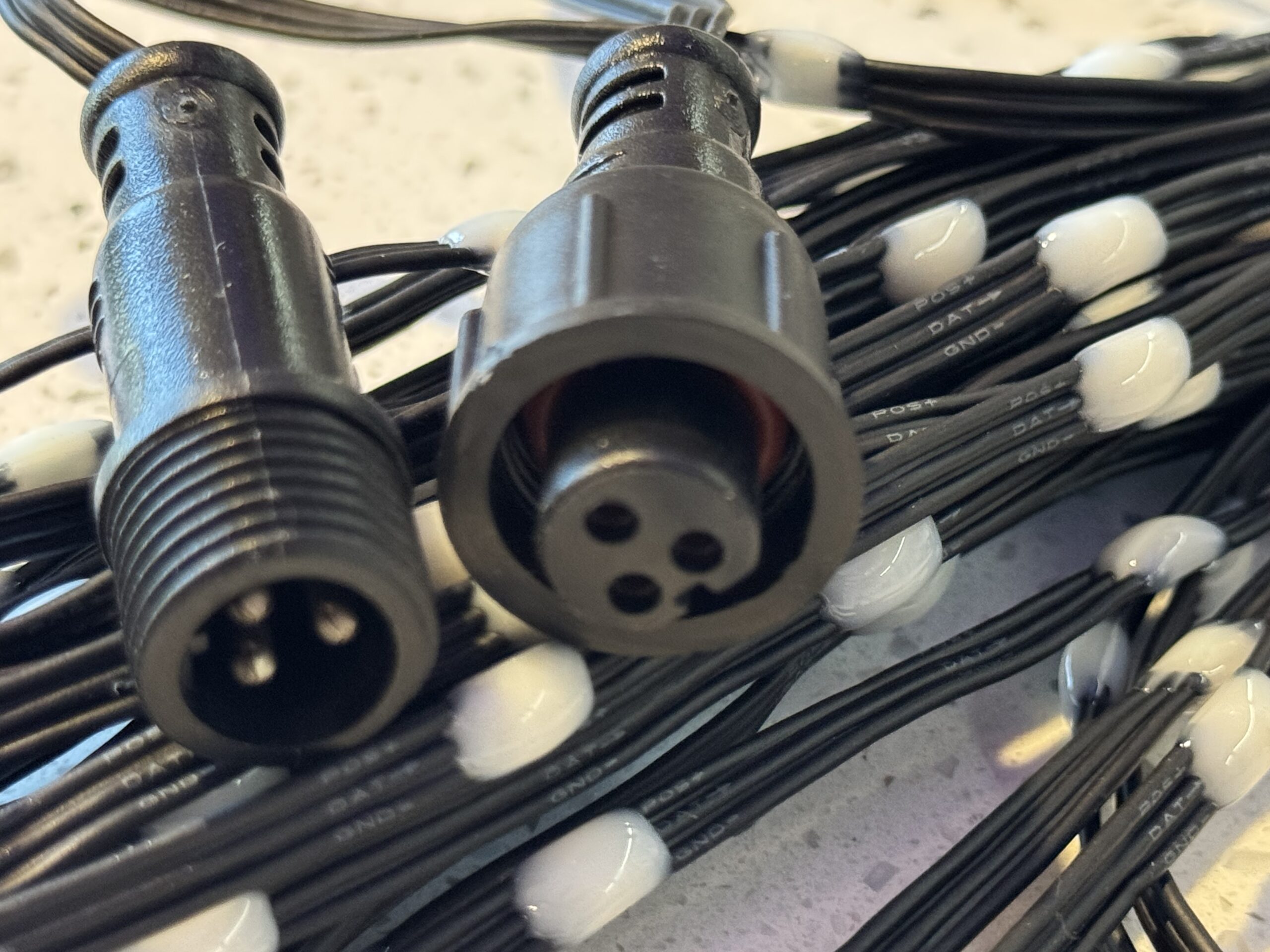
| Pigtails | Short wires usually protruding from a controller box that provide power and data to the pixels; will have waterproof connector on end of cable | |
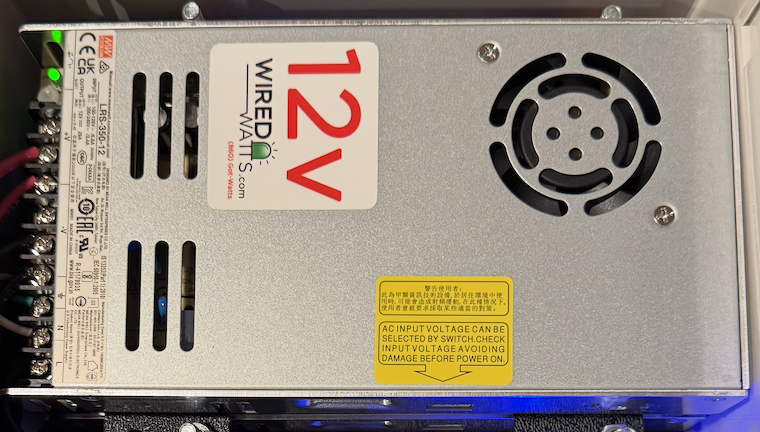
| Power supply | AC to DC power supply that usually powers the controller which also passes DC power to the pixels (usually 12 volt or 5 volt); Twinkly lights all use 24 volt power supplies. |  |
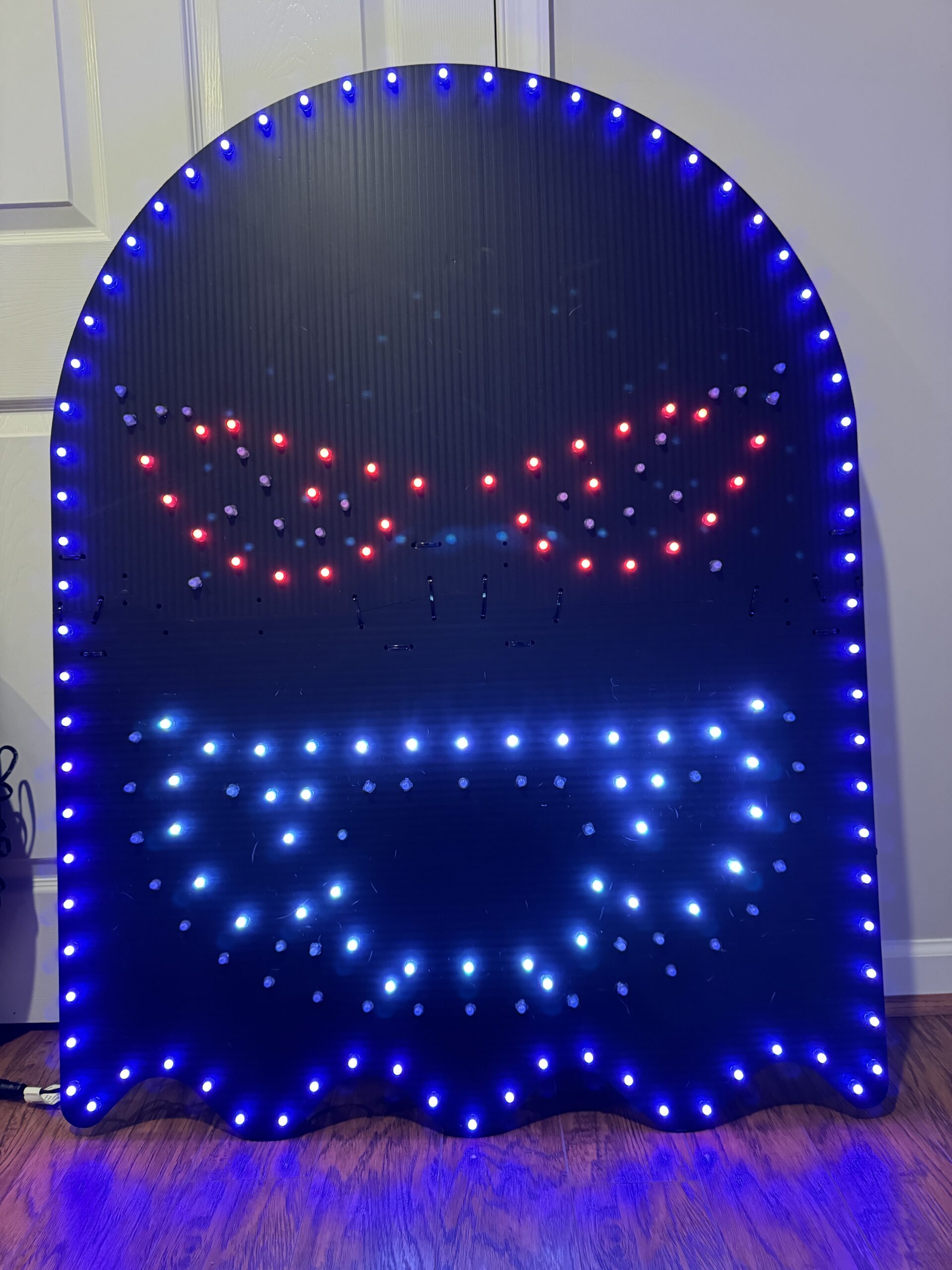
| Coro | Corrugated plastic aka coroplast – used to make props; these are available for both WS2811 bullet pixels as well as props sized for Twinkly pixels | |
| Prop | Something that holds pixels in a certain design to create cool effects or things like singing faces; most props are made from coro (see spinner photo); others are 3D printed; Could also be something like a MegaTree where pixels are draped from a pole to create a light tree | |
| Bullet or Bullet Pixel | Probably the most common type of lightbulb; 12mm wide and designed to push into holes drilled in coro props (there’s variations in bullets, like resistor and regulated) – usually based on WS2811 chips | |
| Gumdrop pixel | Newer type of 12mm wide pixel that uses less power and is generally easier to push into coro than bullet pixels; also much lighter and compact for storage; WS2811 or compatible | |
| Seed pixels | Basically WS2811 or compatible LED pixel “blobs” right on the wire – these are very small and lightweight and well suited for MegaTrees and similar high density props; will not work in coro props without little adaptor clips | |
| Waterproof connector cables | xConnect, Ray Wu, other formats; they all carry 3 wires from the controller to the pixels – positive and negative power plus data; xConnect seems to be the most popular, but there’s no universal standard; Twinkly uses proprietary connectors |  |
| Tee Connectors | Typically used for power balancing | |
| Injection Tees | Used for power injection | |