
As an Amazon Associate I earn from qualifying purchases. I also partner with HolidayCoro, Wired Watts and Garage Celebrations. I recommend products based on hands-on use when possible, plus reliability feedback from the holiday lighting community. Buy Buttons: Orange = Amazon, Blue = HolidayCoro, Green = Wired Watts
WS2811 SHOPPING LIST
WS2811 Shopping List For New Displays
This list is built for beginner to intermediate WS2811 based holiday light shows using a controller (pre-built or DIY), FPP, and room to expand in future seasons. If you are looking for how to choose hardware components, please see our Buyer’s Guide or the list of Props & Devices.
Last reviewed: July 2026
Jump to a section
Controller
Wired Watts Kulp K16-Pro Package (pre-built or DIY)
Personally recommended
Best for: first-time users who want a pre-built controller with FPP on-board and easy expansion path. Kulp is what I use!
- Pre-configured selection so your cart is set up with the options recommended in this guide
- Kulp K-16 Pro Controller Board (version 4)
- PocketBeagle v2 running FPP version 9.5 (so don’t need separate Raspberry Pi for FPP, which saves you ~$150)
- On-board sound
- Header to add optional FM radio transmitter on-board
- 16 ports with xConnect pigtails, plus long-range expansion support
- 8 x RJ45 ports for differential long range receivers
- Dual 12 volt, 350W Meanwell power supplies (700W total)
- Up to 19,200 pixels, giving strong room for future growth
- PRE-BUILT ~$649 before tax and shipping (prices subject to change) – Ready2Run assembled and tested in Wired Watt’s lab
- Assemble Yourself ~$443 with FM Transmitter (and it’s not as hard to build as you think) — see Assembling a Pixel Controller
- If you are looking for more or fewer ports, Falcon or Baldrick boards or other customizations, click the custom configurator button!
HolidayCoro Flex System Ready2Run
Community recommended
Best for: first-time DIY users who want a pre-built controller and easy expansion path.
- Pre-configured selection so your cart is set up with the options recommended in this guide
- Ready2Run assembled in HolidayCoro’s lab (no controller assembly required)
- AlphaPix Evolution CPU
- 1 year HolidayCoro warranty and support
- 16 ports with xConnect pigtails, plus long-range expansion support
- Dual 12 volt, 350W Meanwell power supplies (700W total)
- Up to 16,320 pixels, giving room for future growth
- Great pricing ~$406 before tax and shipping (prices subject to change)
Show Computer (FPP)
Personally recommended
CanaKit Raspberry Pi 4 Pro Kit is a dependable starter platform for running FPP with enough performance for small to medium displays.
- Includes key components in one kit (Pi, case, cooling, storage)
- Simple setup path for first-time FPP users
- Good balance of performance and cost for beginner shows
Pixels
| TYPE | BEST FOR | PROS | WATCH OUTS | DIRECT LINKS |
|---|---|---|---|---|
| 12V Gumdrop Pixels | Lightweight coro props | Lower power draw, easier insertion | Not ideal for every prop style | HolidayCoro Gumdrop Pixels |
| 12V Bullet Pixels | General purpose display builds, coro props, Mega Trees (with strip) | Common, proven, easy to source | Can use more power than gumdrop styles | HolidayCoro Bullet Pixels Wired Watts Bullet Pixels Amazon Bullet Pixels |
| 12 V Seed Pixels | Mega Trees, 3D printed props, house outlines | Low power draw, light weight | Don’t work with coro props without adaptors | Holiday Coro Seed Pixels |
Networking
Personally recommended
You need a rock-solid network to ensure your lights perform well in an xLights/FPP driven light show
- Gigabit unmanaged switch for show traffic – TP-Link 8 Port Gigabit Ethernet Switch
- Outdoor access point only if using WiFi and coverage is weak – TP-Link Amanda Long Range Outdoor Access Point (AP))
- Outdoor-rated Category-6 ethernet cable for long exterior runs
- Read articles on Light Show Network Design or WiFi troubleshooting if needed
Audio and FM
Power and Cabling
Personally recommended
Buy outdoor rated AC extension cords in appropriate lengths and splitters for your show (as many as needed). Ensure all outdoor devices are plugged into GFCI (ground fault interrupters)! You also may want to have a repair kit if a rabbit chews through a wire — solderless connectors and a heat gun will work.
Weatherproofing and Mounting
Personally recommended
You need to keep everything dry and secure from rain/snow/wind!
- Dry boxes for power and connectors — use dry boxes!
- UV-resistant zip ties in multiple lengths — you can never have enough of these!
- Heavy stakes/rebar for coro props and support lines
- Rabbit repellant — rabbits chewed through my wires several times before I started using Liquid Fence Rabbit repellant
Garage & Front Door Covers
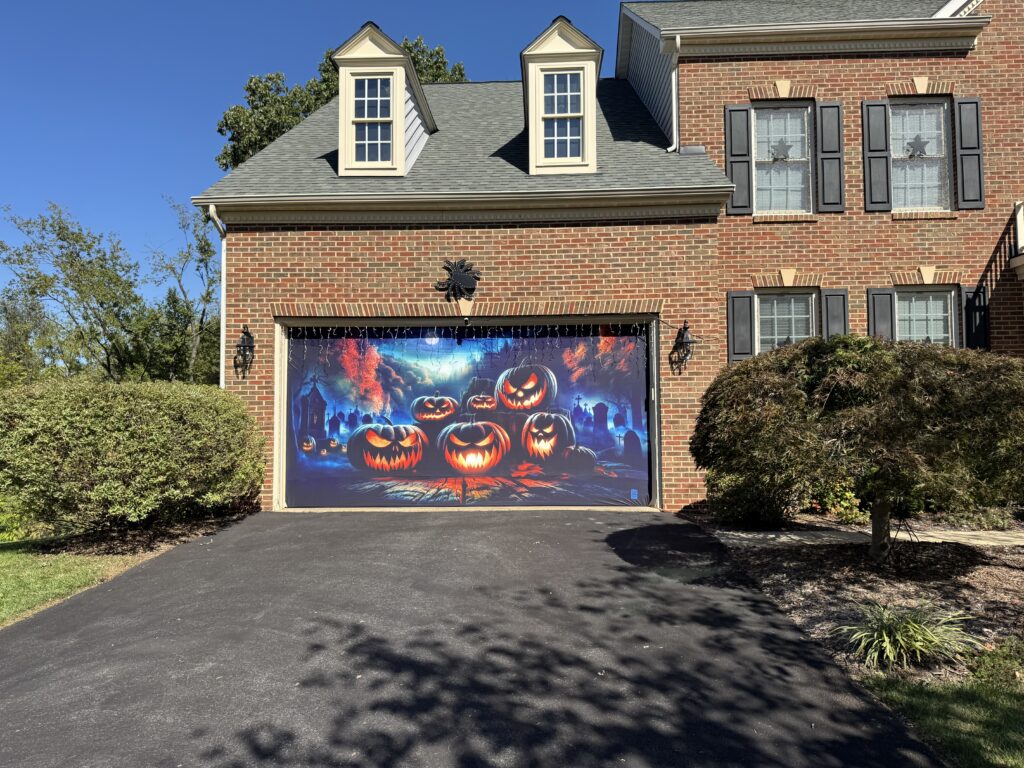
Garage door covers take your holiday display up a notch with very little effort!
Garage Celebrations (as seen on Shark Tank!) makes AMAZING garage door, front door and bedroom door covers. These are super high quality stretchy spandex material with dye sublimation printing and attach to your door in a few minutes — using their patented zipper mounting system — no hook & loop fasteners, hooks, tape or anything else. Click HERE to visit their site for hundreds of prints for any size garage door! Read our article on garage door covers.
Coro Props
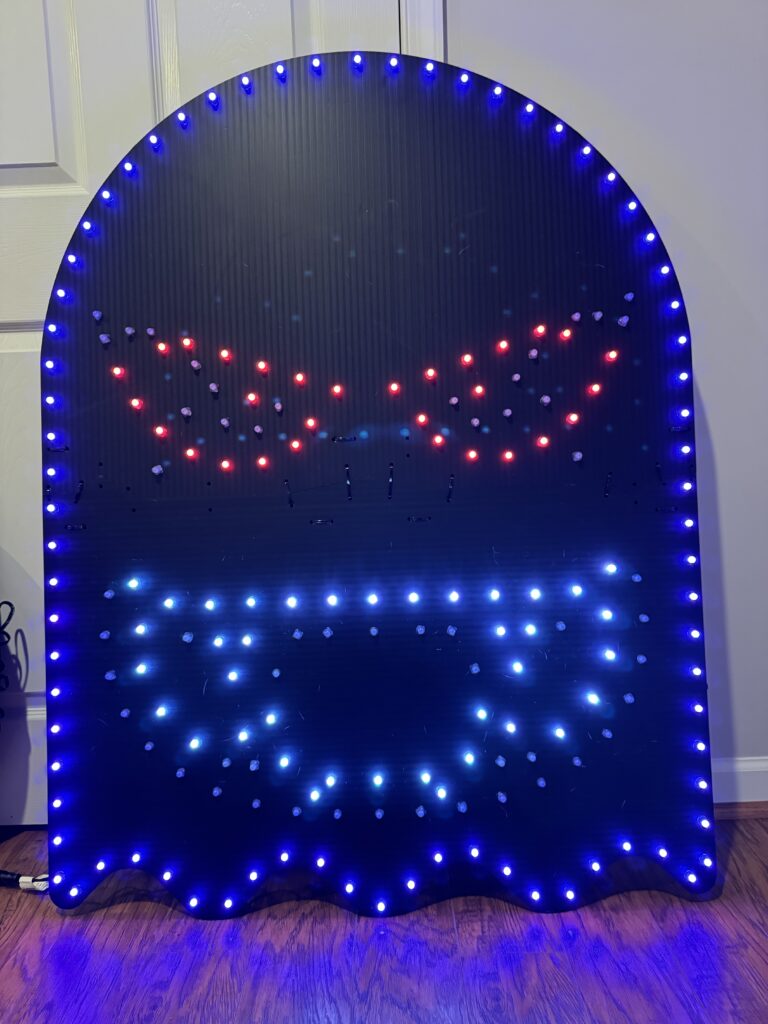
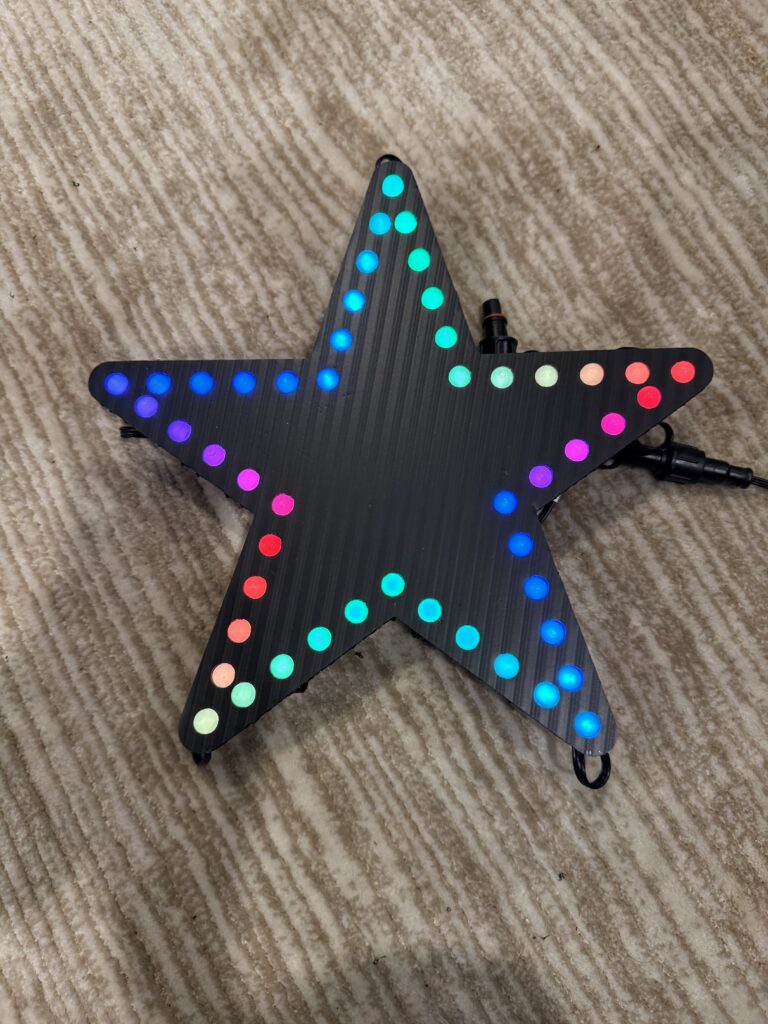
Charlee’s Props is a family owned business, and has been great to deal with! Singing props might add a little complexity to your setup (but they are super fun), or you can choose less complicated props like stars or spinners. Please see our guide to props!
Final Checkout Checklist
- Controller chosen for this year plus one growth step
- Connector type is consistent across all parts
- Pixel count and power budget verified
- FPP hardware and storage selected
- Audio path selected and tested
- Network plan reviewed
- Weatherproofing items added
- Spare pixels and repair parts included
FAQ
Can I start small and expand later?
Yes. Start with core props and buy a controller that gives you one clear expansion step for next season.
Should I use 5V or 12V pixels?
Both can work well. Many beginners choose 12V because power distribution is often easier in larger yard layouts. I use 12 volt for my layout.
How many spare pixels should I keep?
Keep at least 2 to 5 extra pixel strings plus spare connectors and fuses so you can repair quickly during show season. You should really have a small repair kit with everything you need to repair chewed/broken wires — see power & cabling above.
Do I need a spare controller or power supplies?
Controllers are relatively expensive, so this is up to you, but they are pretty reliable if kept dry and don’t overheat. Ideally, you could have an entire built up spare on-hand that you could swap out in an emergency (maybe look for a used one in the off season). Then you re-map your xLights models to the replacement controller to get the show back online, then can diagnose and repair the bad controller at your leisure. The other option is have a couple of spare power supplies on-hand to replace failed units — this is probably the most likely component to fail, anyway. Don’t skimp on power supplies with cheap unbranded ones — use authentic Meanwell brand power supplies for best reliability. Replacing failed power supplies will likely mean disassembling your controller box and rewiring, so not as quick and easy as swapping out the entire controller box.
Next Steps
Need deeper setup guidance after you buy? Continue with your full WS2811 Setup Guide and your Buyer’s Guide.