WHAT ABOUT TWINKLY LIGHTS?
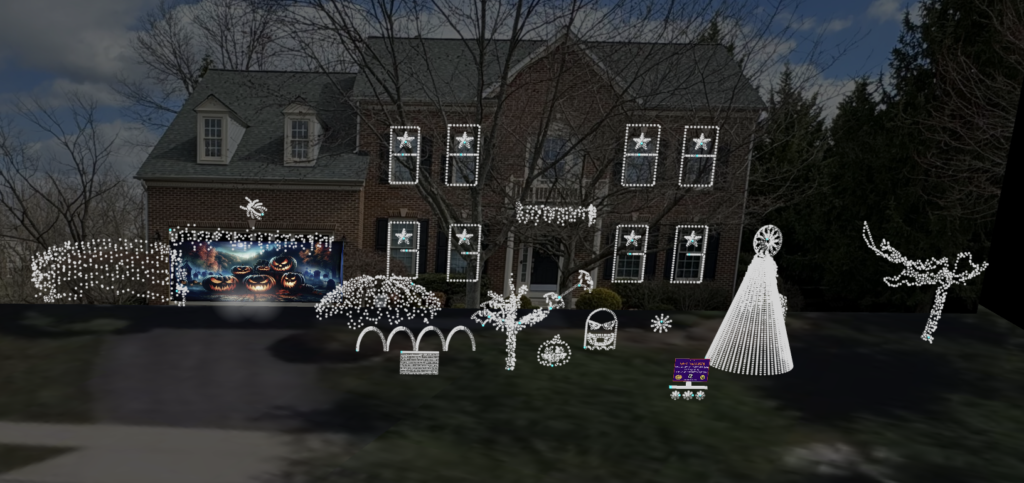
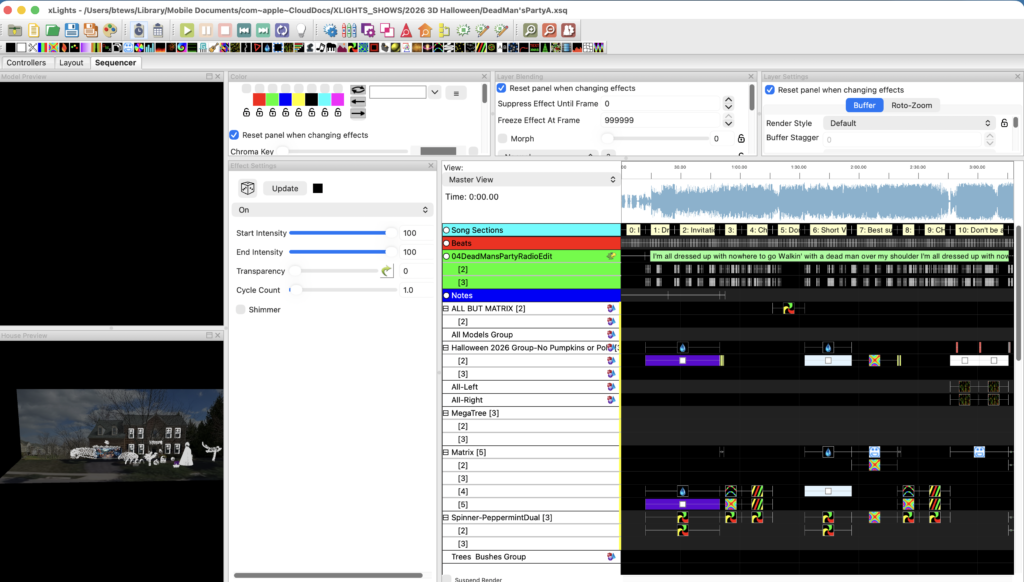
Create professional looking light shows using Twinkly and xLights!
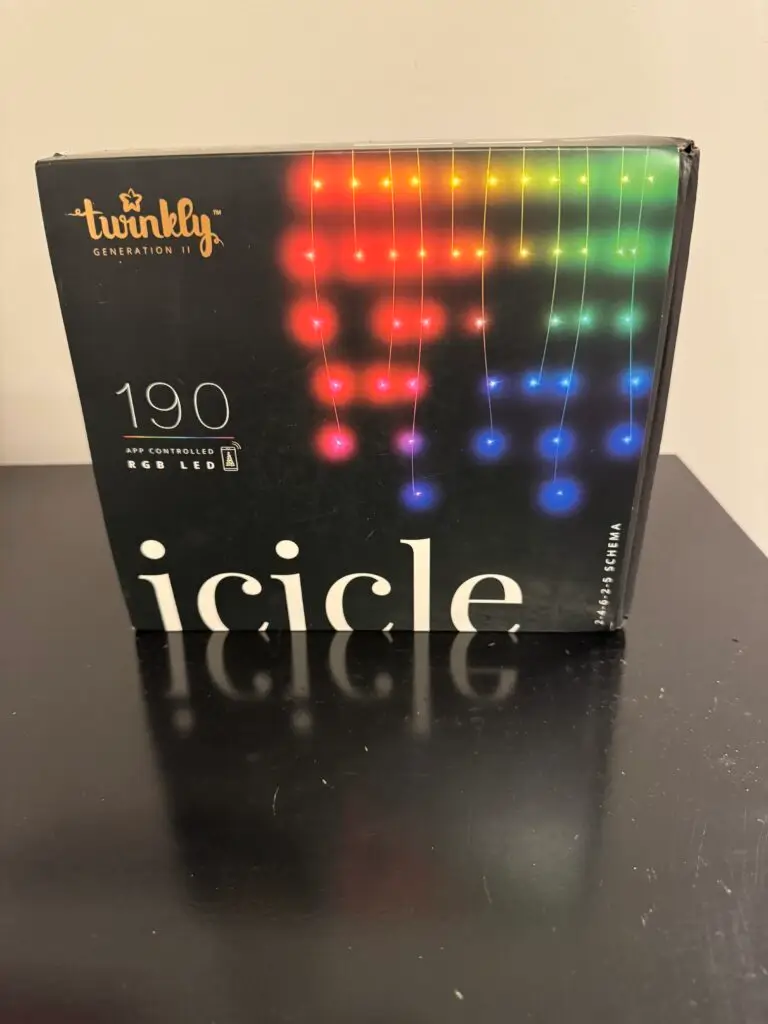
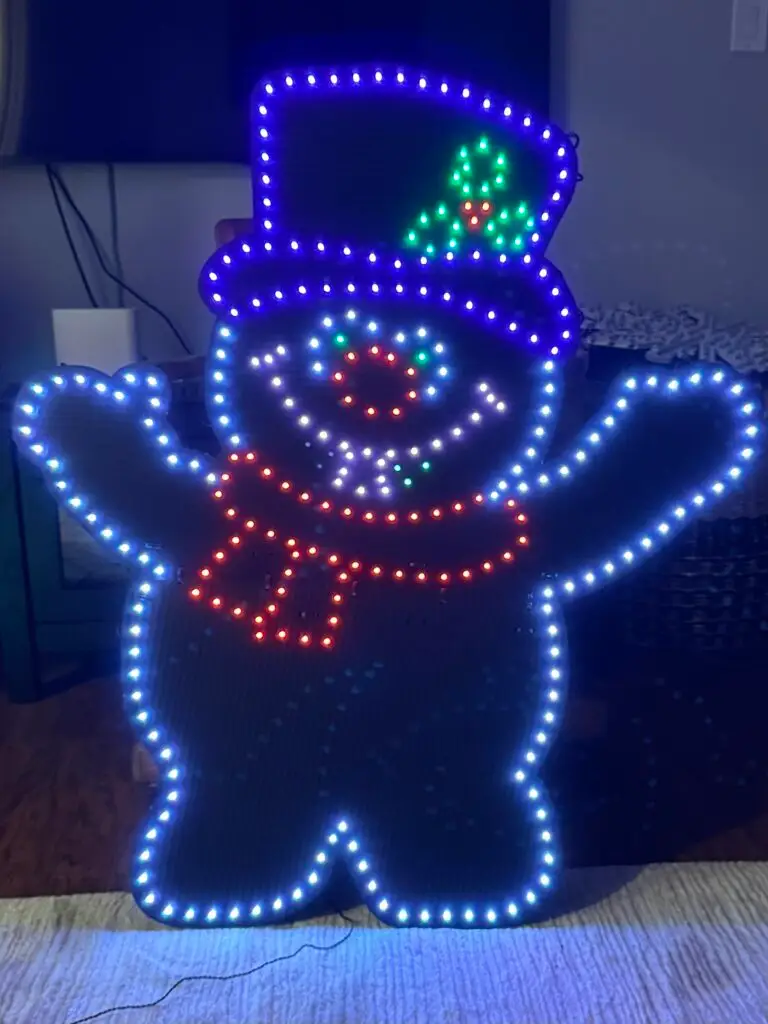
Twinkly lights are how I got started in this hobby, and I still use them. They can actually do some really cool things that are hard to do with generic pixel lights, so there are advantages and disadvantages. Don’t let the internet scare you away from Twinkly based on outdated information (or people who have never even used them). I have over 8,000 Twinkly lights integrated into my show along with WS2811 pixels and they work great! I have posted a comparison table of WS2811 pixels vs Twinkly for those who are interested. If you want to create professional looking light shows with your Twinkly lights (either set to music or not), you will want to use a free software package called xLights.
They are easy to setup and start using the via the Twinkly app. For most people, the included effects are all they need. But some want to graduate to fully choreographed light shows, which the Twinkly ecosystem does not directly support. This is how to make that a reality!
- About Twinkly:
- Twinkly Setup and Usage Topics:
- Twinkly Setup (Twinkly app)
- Twinkly Setup in xLights
- Twinkly Master Middleware vs. Native xLights Support
- Twinkly Master Setup Guide
- Types of Props & Devices
- How to import Twinkly 3D models into xLights
- Using Coro Props With Twinkly!
- ID Pixel #1 (strings >150 pixels)
- Single Prop One Controller
- Single Prop Two Strands (strings>150 pixels)
- Single Prop Two Or More Controllers
- Multiple Props One Controller
- Mounting Coro Props
- Using Twinkly and WS2811 Pixels Together
- Twinkly Troubleshooting:
- General Light Show Learning:
- What is a Light show?
- How Much Does This Hobby Cost?
- Twinkly vs. WS2811 Pixels – Which is better for you?
- Twinkly vs. WS2811 Decision Wizard
- Cost Analysis – Twinkly vs. WS2811 Pixels
- Hardware Glossary
- Software Glossary
- What is xLights?
- What is FPP (Falcon Player)?
- How Will Your Viewers Interact With Your Show?
- Garage Door Covers!